Your Portrait, Your Style
Choose Single Portrait or Triple Frame mode, then unleash creative effects — neon glow, pattern backgrounds, custom borders, and more. AI removes your background, you choose the look. Print at 150 DPI or share anywhere!
Why Pixaroo?
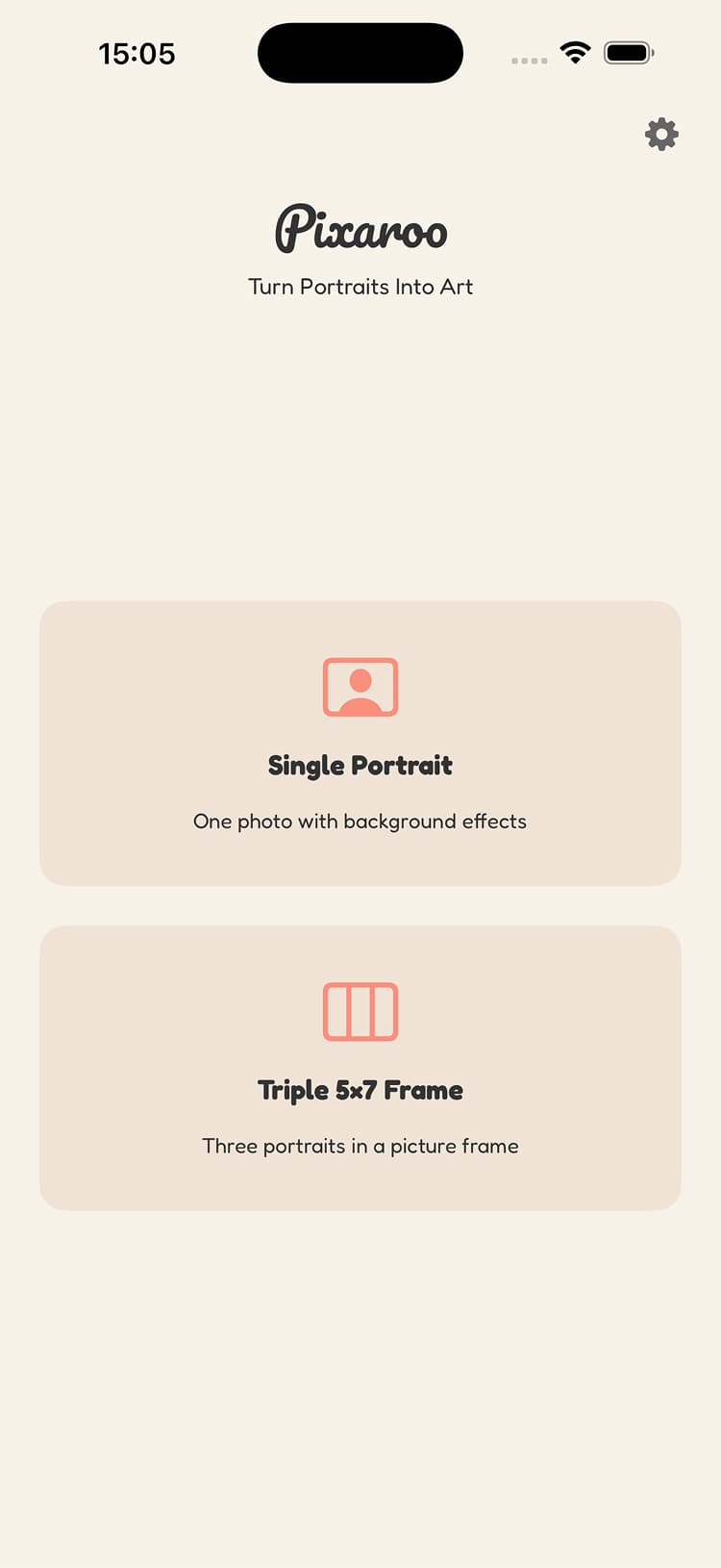
Two Capture Modes
Single Portrait for solo shots or Triple Frame for a three-photo composition. Pick your mode and start shooting.
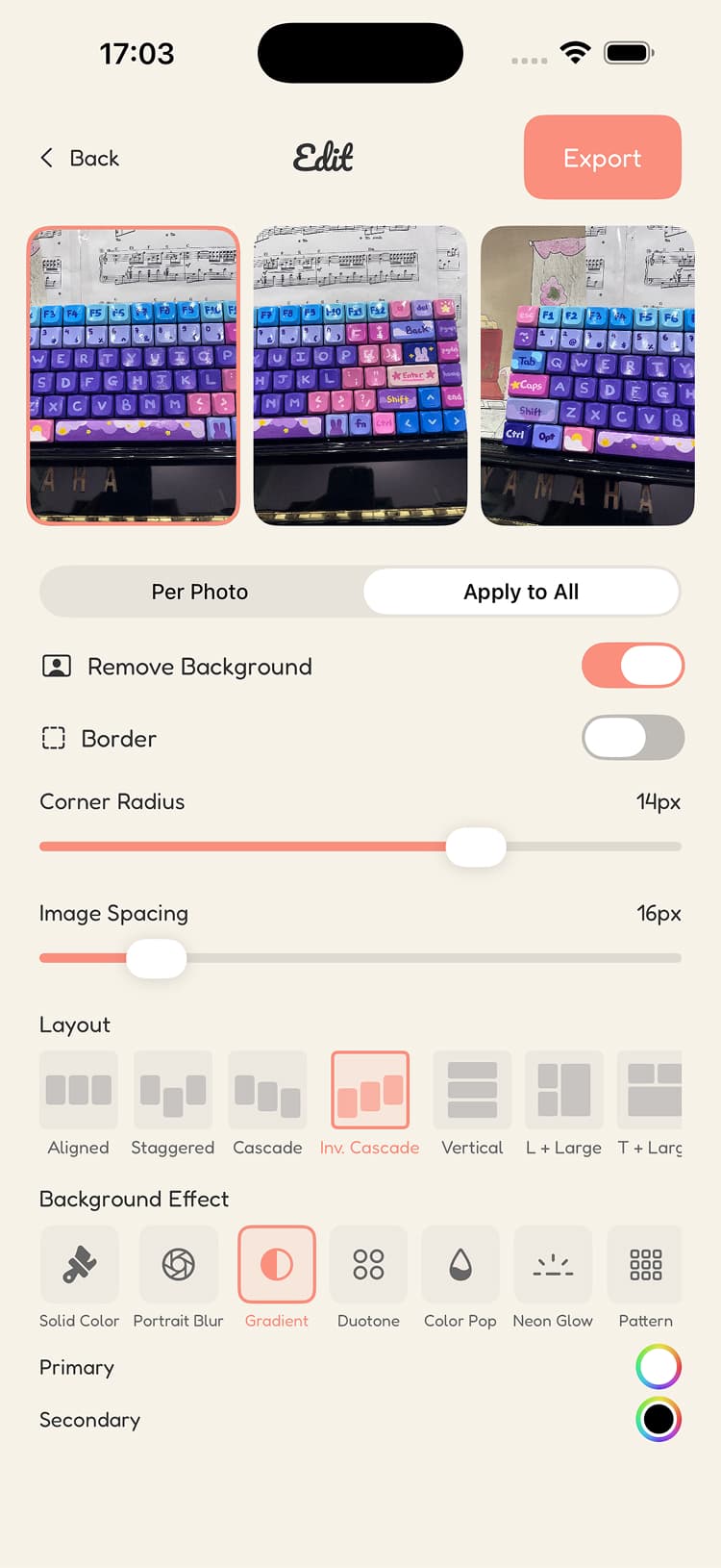
Smart Background Removal
AI separates you from the background in one tap. Clean, precise, and ready for any effect.
Neon Glow Effect
Add a vibrant glow around your subject for an eye-catching, modern look.
Pattern Backgrounds
Fill your background with stripes, checkerboard, dots, and more. Pick your own colors to match your vibe.
Custom Borders
Add sticker borders in any color with solid, dotted, or dashed styles. Make it yours.
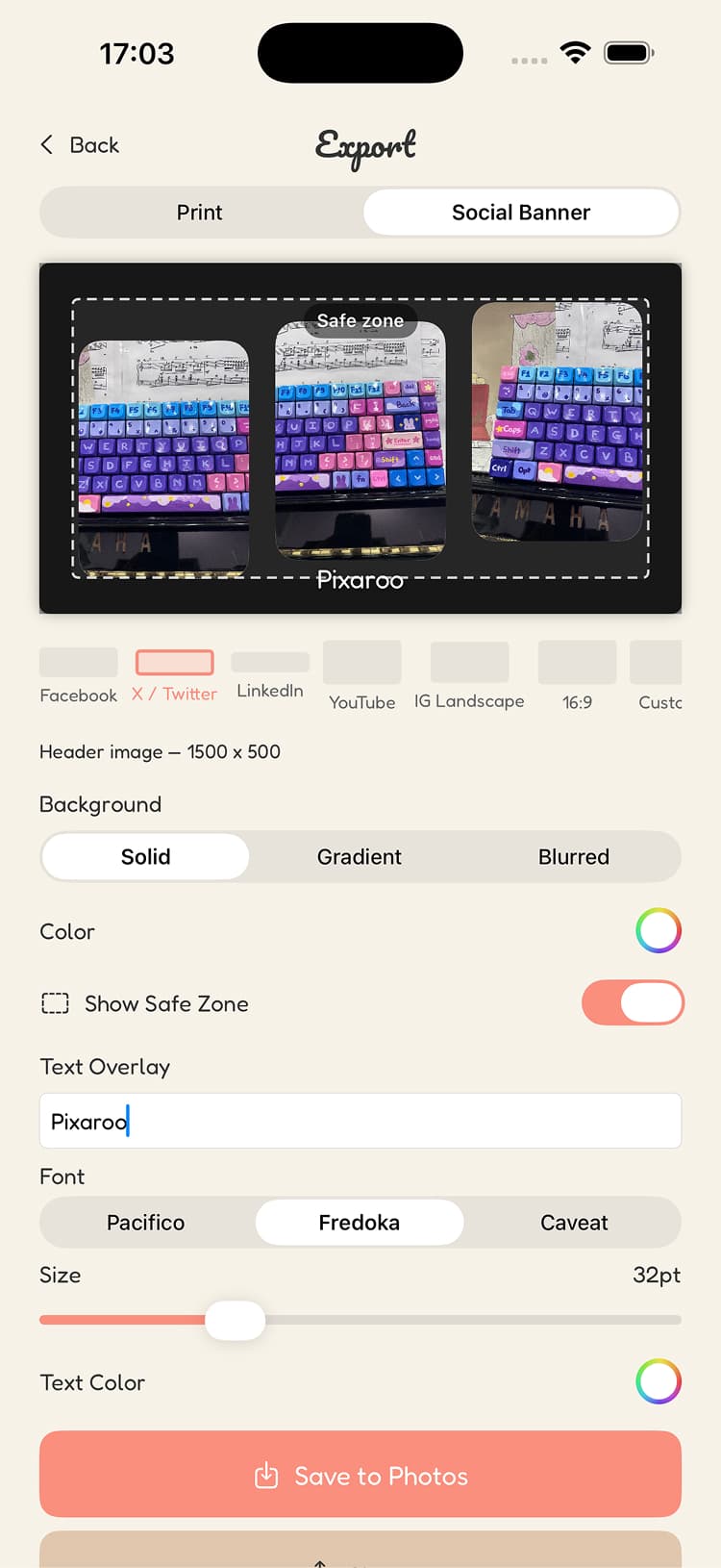
Print-Ready Export
Export at 150 DPI — perfect for printing, framing, or gifting. Looks sharp at any size.
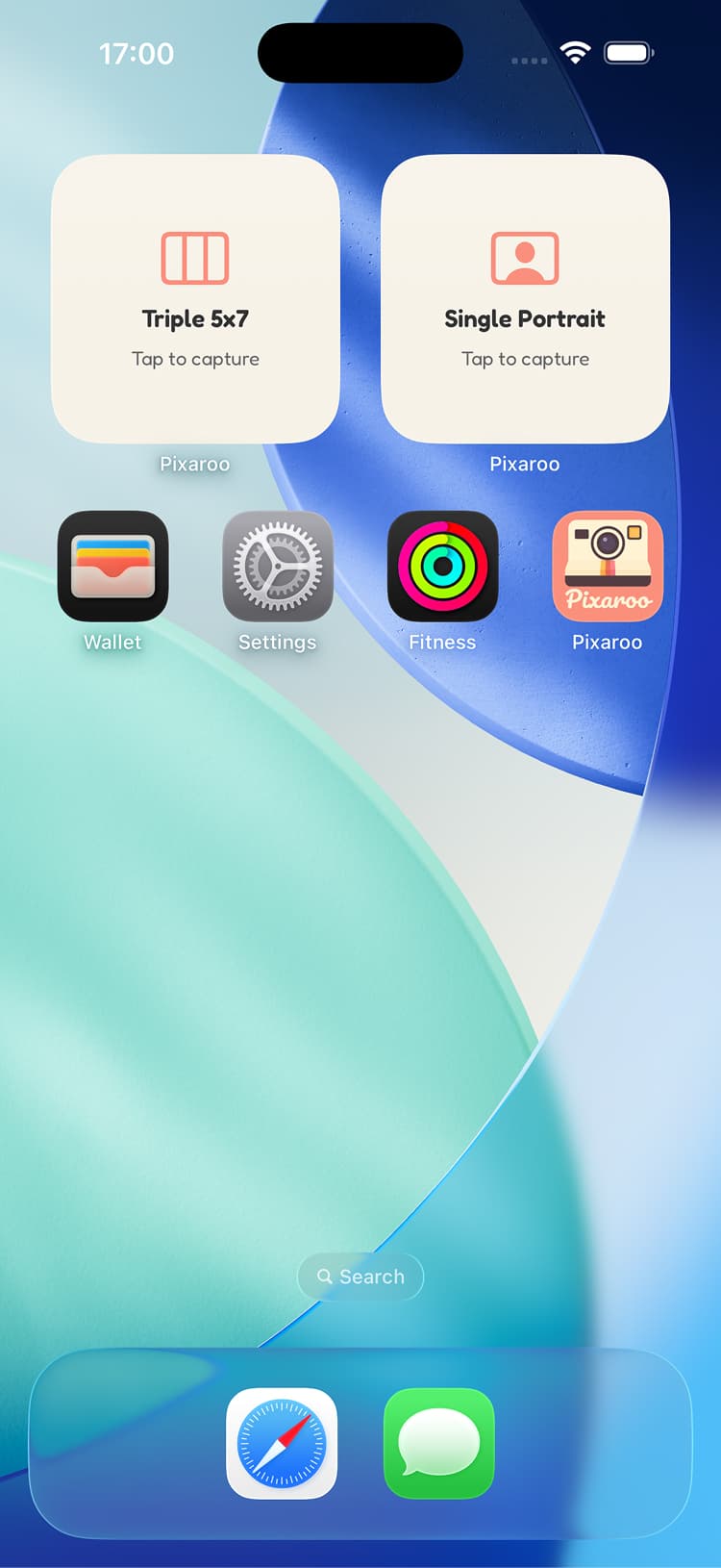
Home Screen Widgets
Launch straight into Single Portrait or Triple Frame capture from your home screen. One tap, no waiting.
How It Works
Choose Your Mode
Open the app and pick Single Portrait or Triple Frame from the home screen.
Snap Your Shots
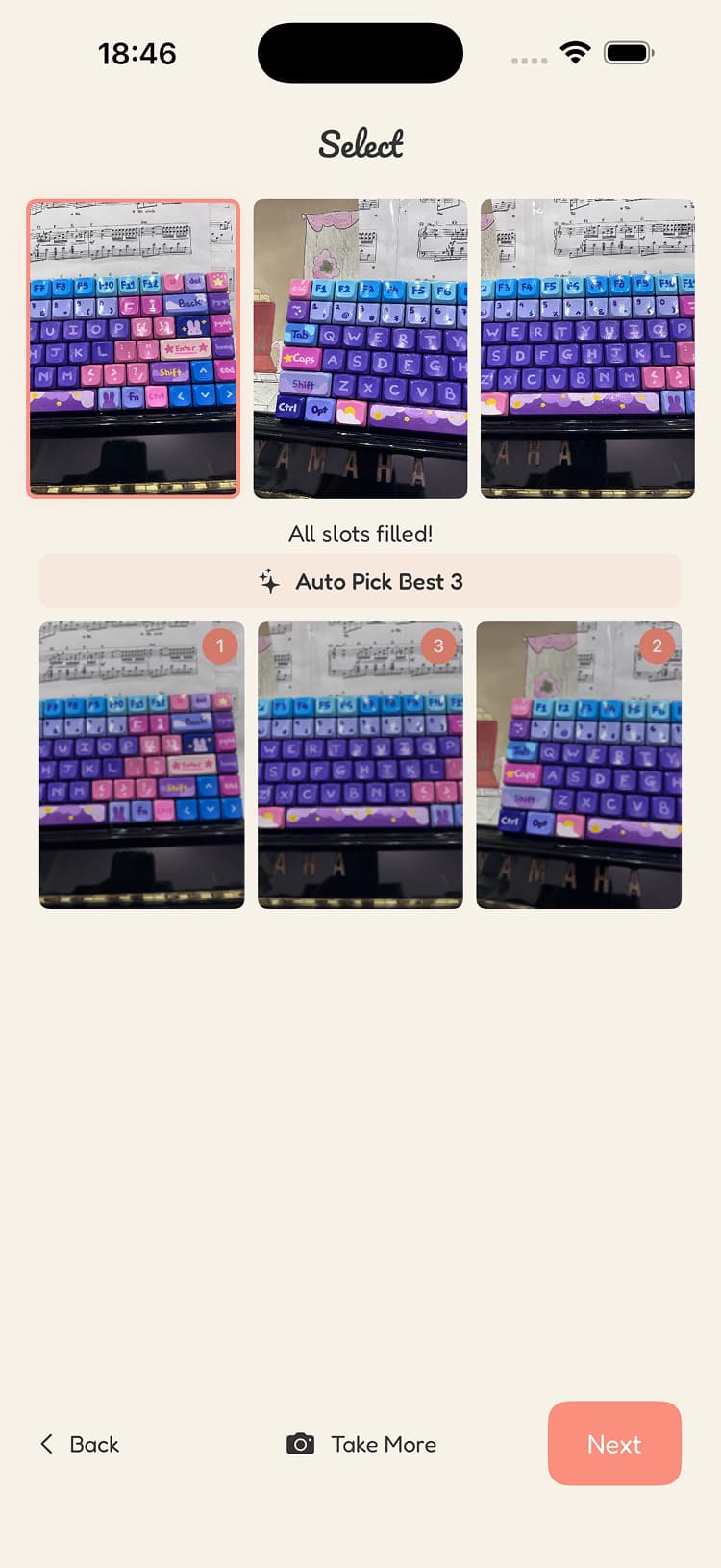
Take photos or pick from your camera roll. Single needs one, Triple needs three.
Add Your Effects
Remove backgrounds, add neon glow or pattern fills, customize borders.
Export & Share
Save print-ready files at 150 DPI or share banners sized for any social platform.
Ready to Create Something Beautiful?
Download Pixaroo and transform your portraits with creative effects. Free on the App Store!
 (opens in new tab)